Game description
BackThis tool can be used for training and revision purposes before sitting for an exam: the user can choose the module and then he or she can either train or test himself/herself. He/she can visualize his/her progress and performance on the game since the beginning and for each module (statistics menu). He/she can also study or revise the lessons with unlocked revisions cards.
The platform works as follows:
-
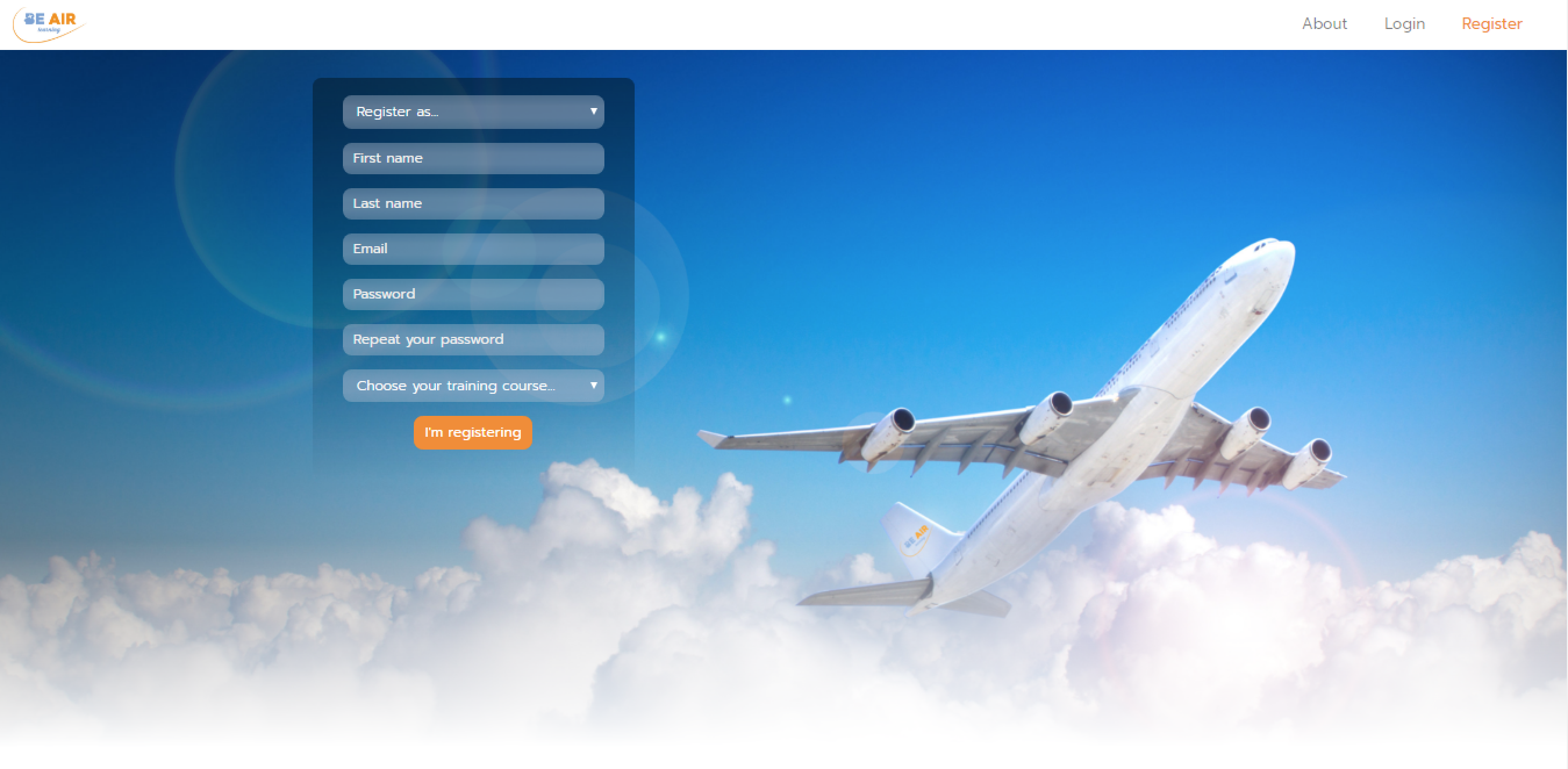
Registration: The student must register (first name, last name, school name and address, training course (MTO, ATO, GTO or CCTO), password, email and referent email or credit card).
-
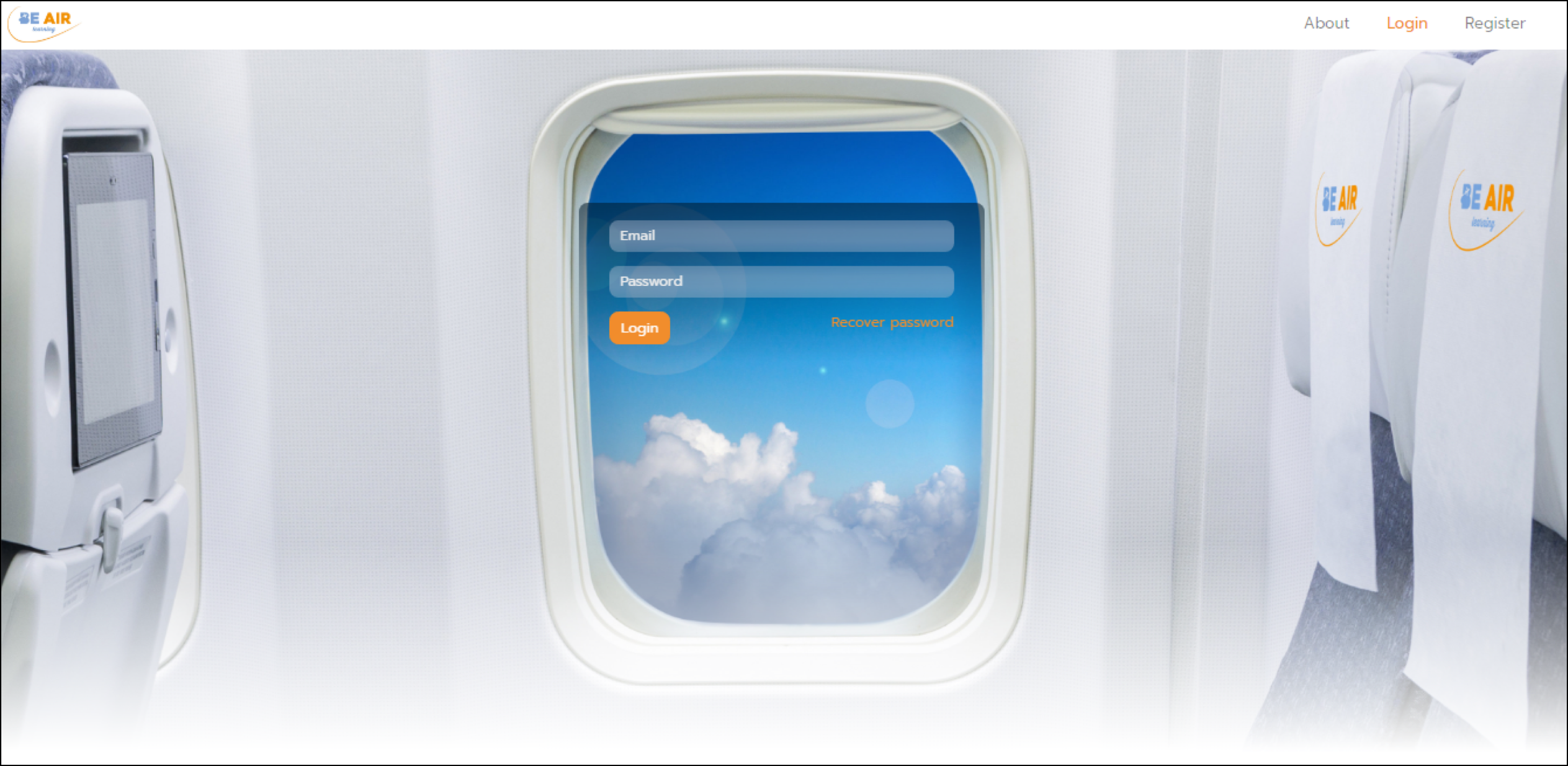
New session: Each time a new session starts, the student must log-in by entering his/her email address and password.
-
Module selection / Go to game: the user chooses the module he/she wants to play/work with or directly go back to the game where it stops during the former session (by clicking on “Go to Game”).
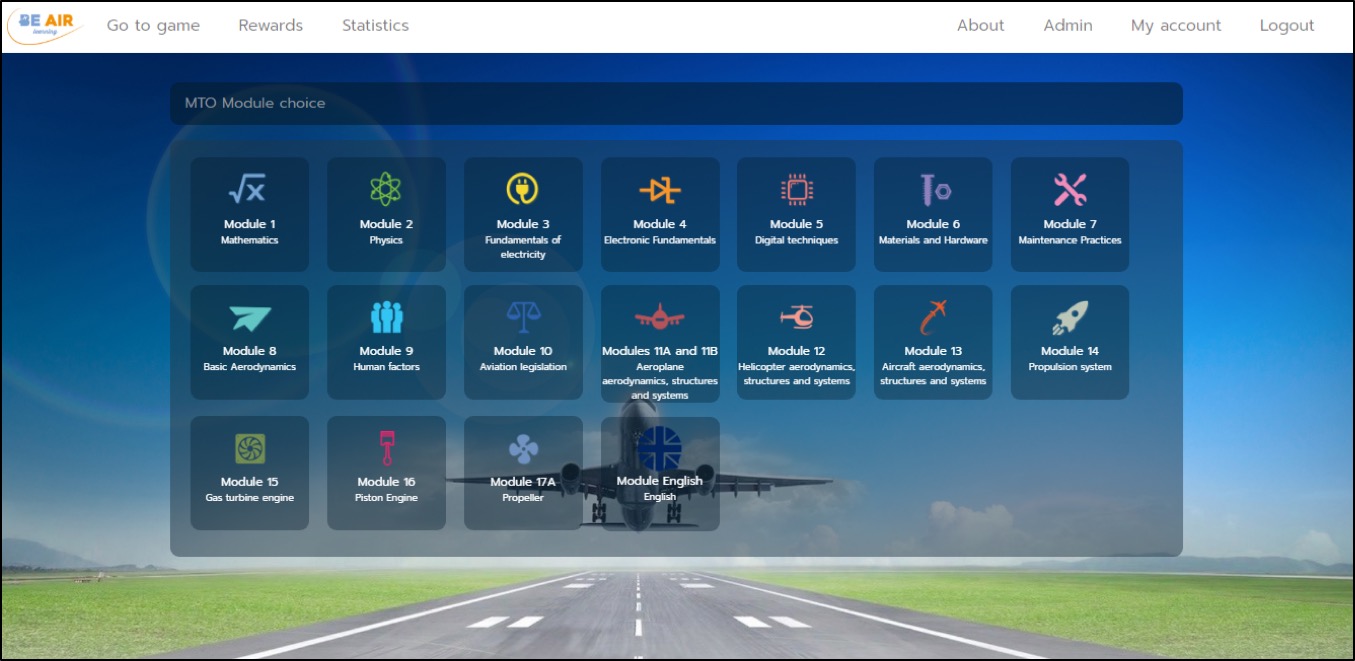
If the module is that previously selected and played with, then the session restarts from where it stopped. If the user decides to change module, the level progress in the previous module will be lost, but the global progress will be kept. -
Game and MCQ’s: The game consists of series of MCQ’s given to the user.
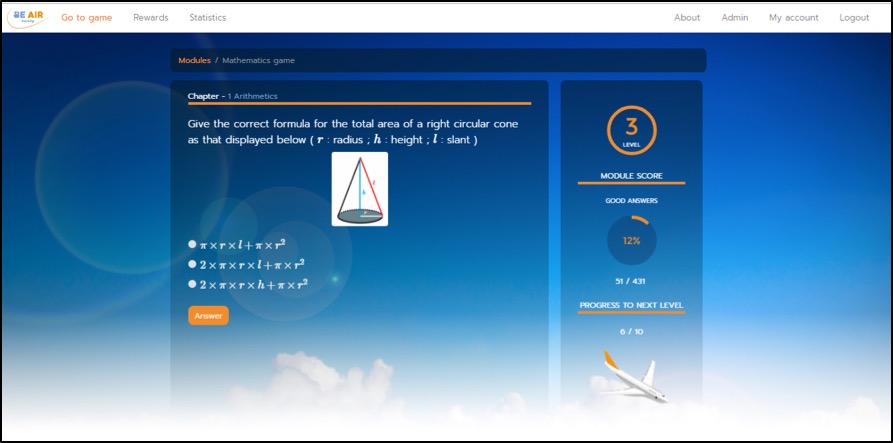
Each correct answer provides the student with a “part” of an airplane (image on the bottom left-hand side of the picture).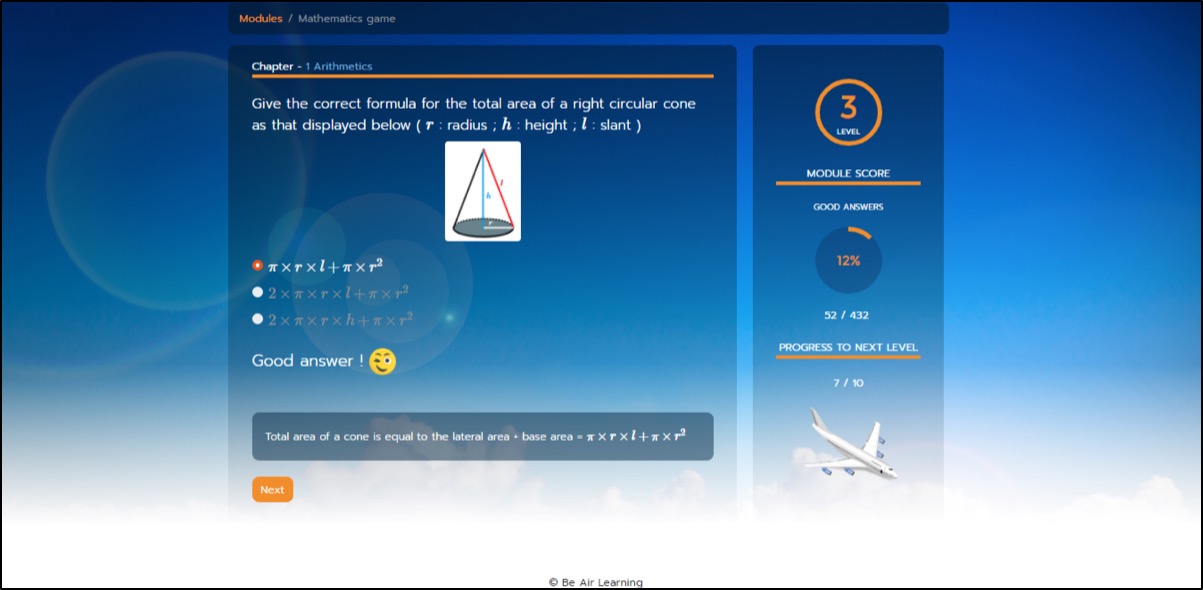
One level is gained once this plane is built up, and this requires 10 steps. Each completed level unlocks a tile of a picture. Each picture is made up of 25 tiles. Besides, a revision card corresponding to the selected module is also unlocked for each level.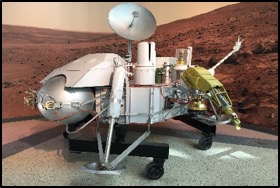
Example of puzzle
Example of revision card
If the returned answer is wrong, the parts already gained of the plane under construction are lost, and the student must re-start this ten step level.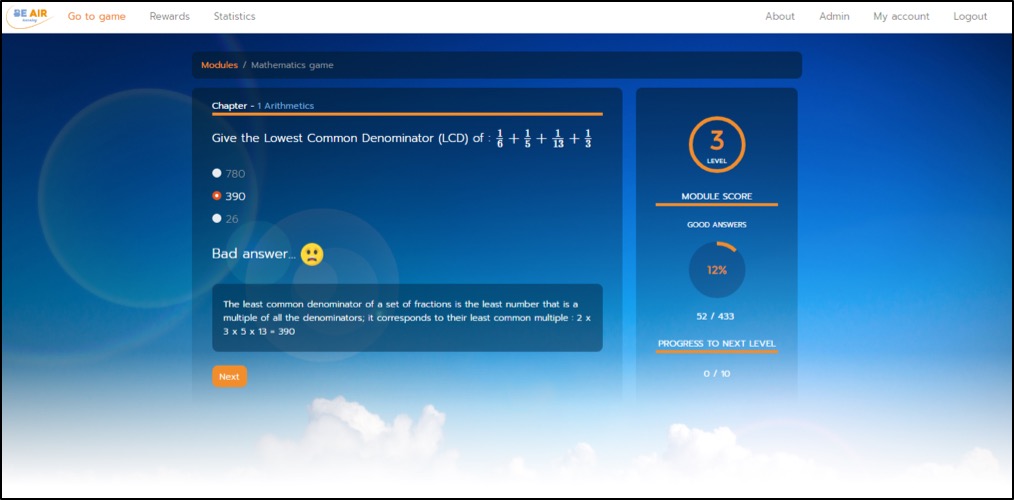
When a returned answer is wrong, the correct answer is given to the user. Besides, each time a student enters an answer, an explanation is returned. - Statistics menu: The progress within each module is recorded and the percentage of “number of right answers”/ ”total number of answers” is given in “Statistics”. The percentage of the overall progress (“total of right answers since the beginning of the game”/ ”total number of answers already entered”) for all modules already studied is also given in the statistics menu. The overall level in terms of number of unlocked tiles and revision cards is also displayed in the rewards menu.
This platform works on personal computers, tablets as well as smartphones.